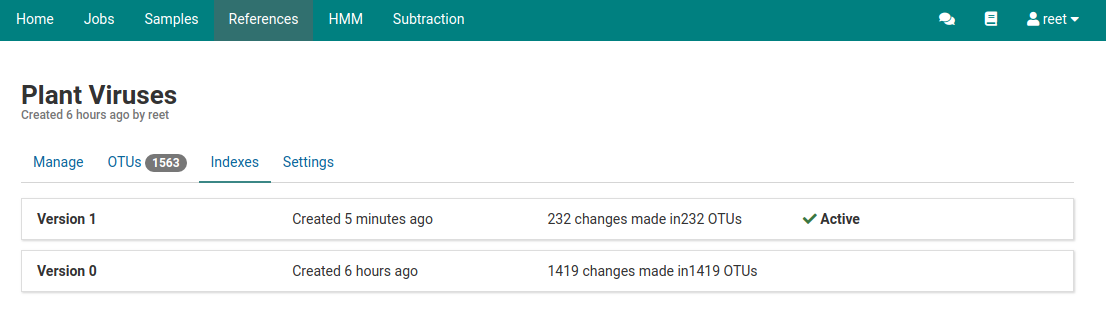
Indexes
Overview
Indexes are versioned snapshots of all the OTUs in a reference at points in time. In the background, indexes are associated with optimized read mapping indices managed by Virtool.
When changes are made to OTUs, the index is rebuilt to include those changes in future analysis jobs. Each analysis is tied to a specific index (version) of its target reference.
View indexes
You can view the indexes that have been built for a specific reference
-
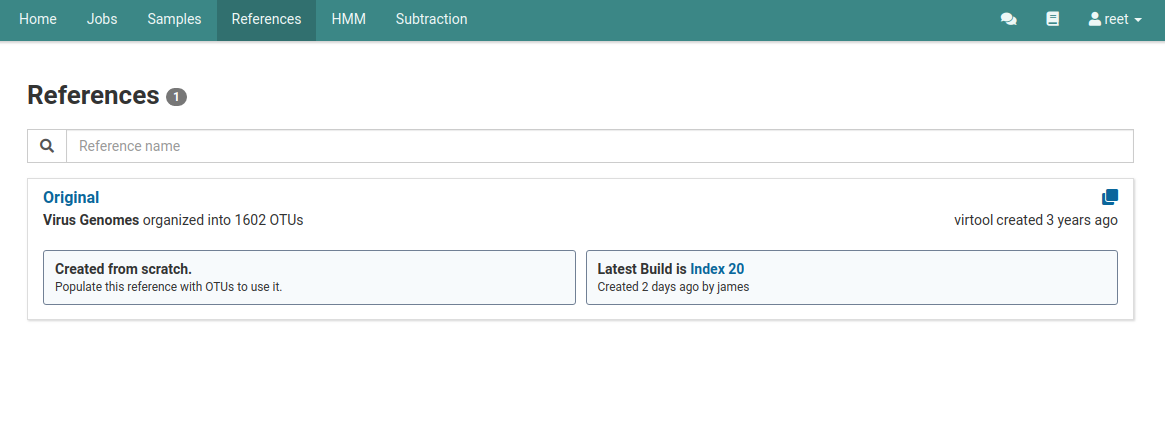
Click the References tab in the top navigation bar.
Check the reference list to see what the latest built index is for the reference.
The Latest Build box shows the latest index build. This index is used for any analyses started using that reference. In this example, the latest index is Index 20.
-
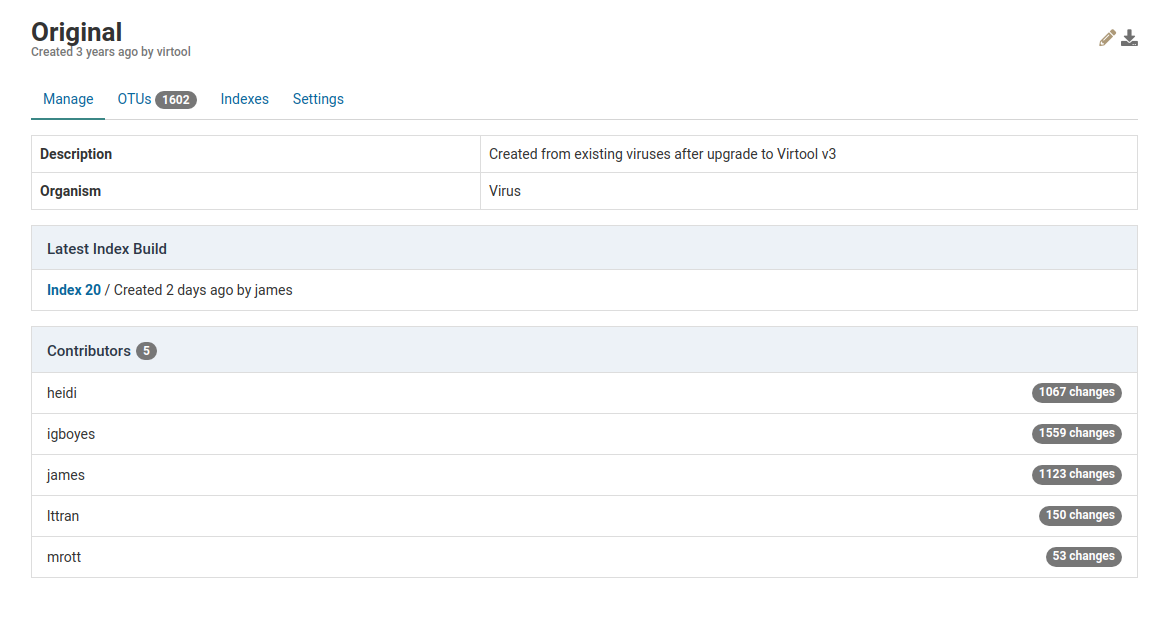
Click the reference
You can view the Latest Index Build for the reference you are using.
-
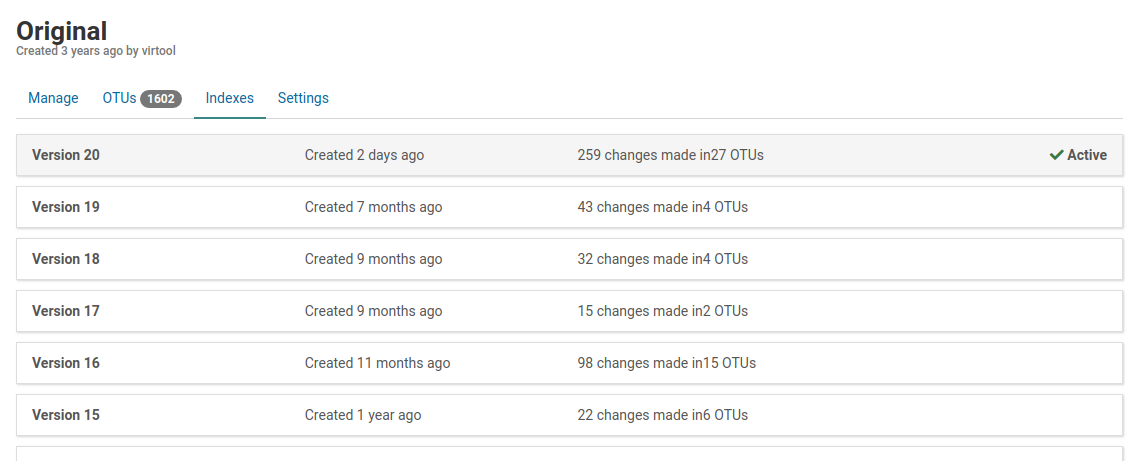
Click the Indexes tab under the reference’s name
Here you see all the index versions for that reference. The top index is the latest version.
View a specific index
-
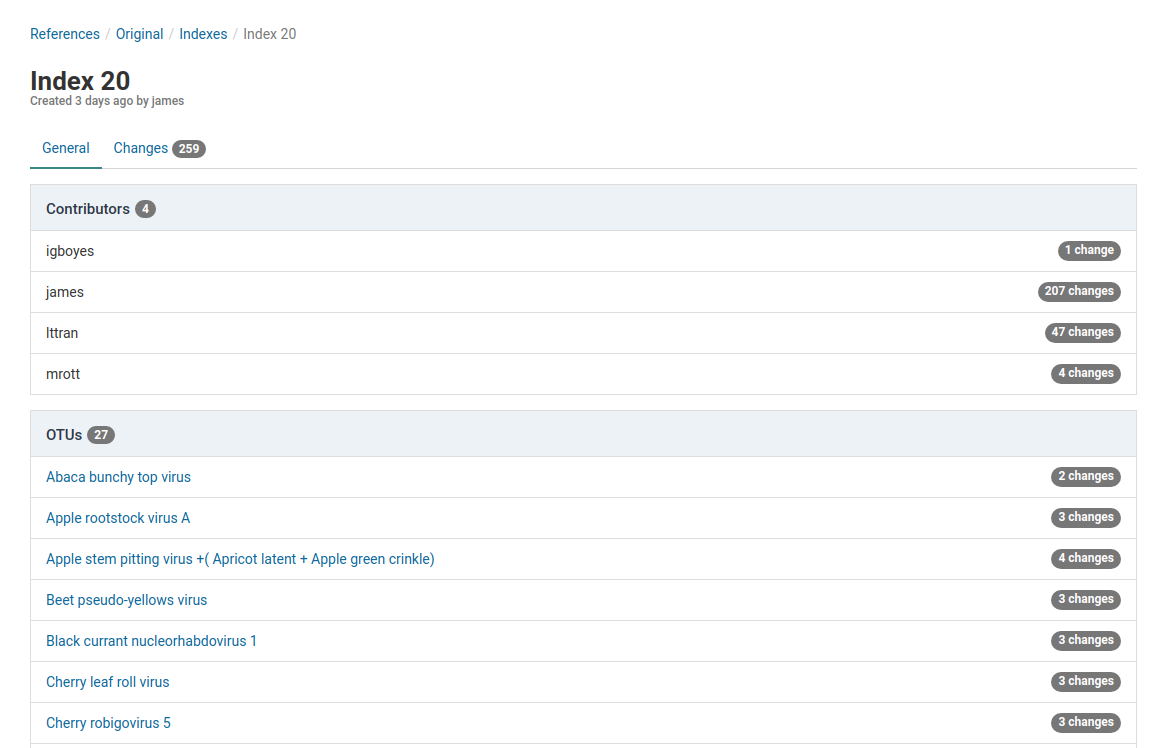
Click an index to view its details
In this view, all the OTUs that changed and the contributors to those changes are visible.
-
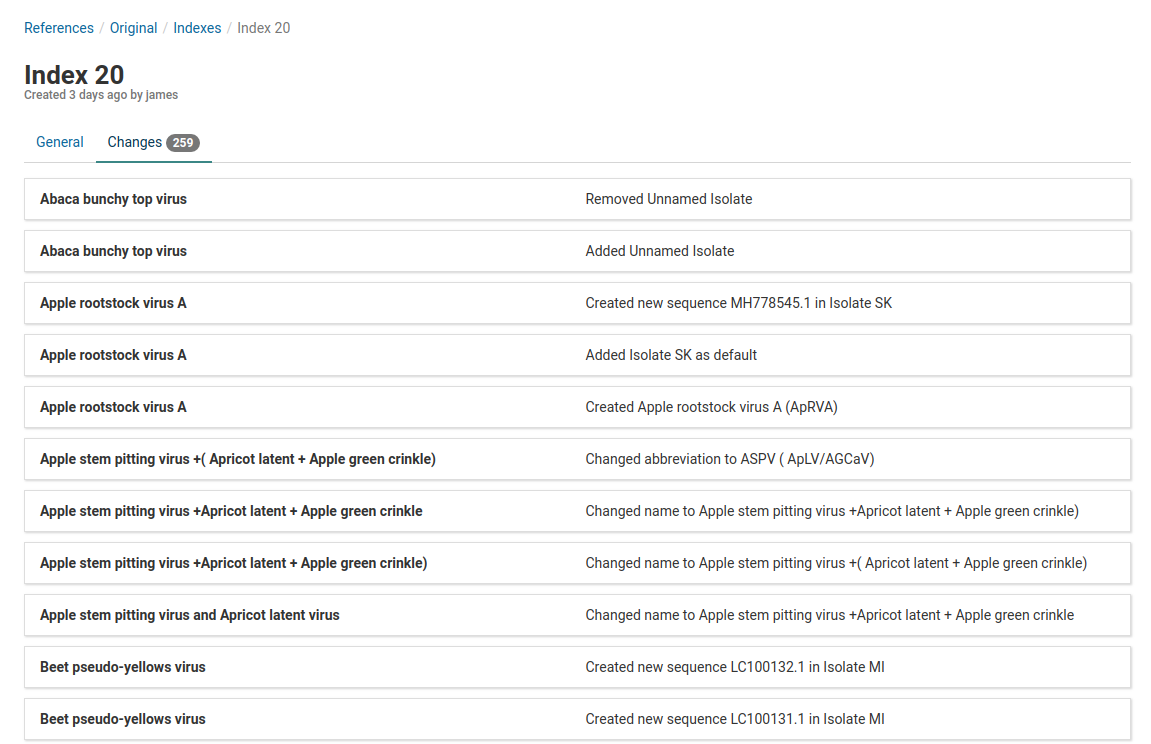
Click the Changes tab
Here all 259 changes are listed. The list shows all OTUs and what changes were made to them.
Build an index
When changes are made to a reference, a new index must be built before the changes are used in analyses.
-
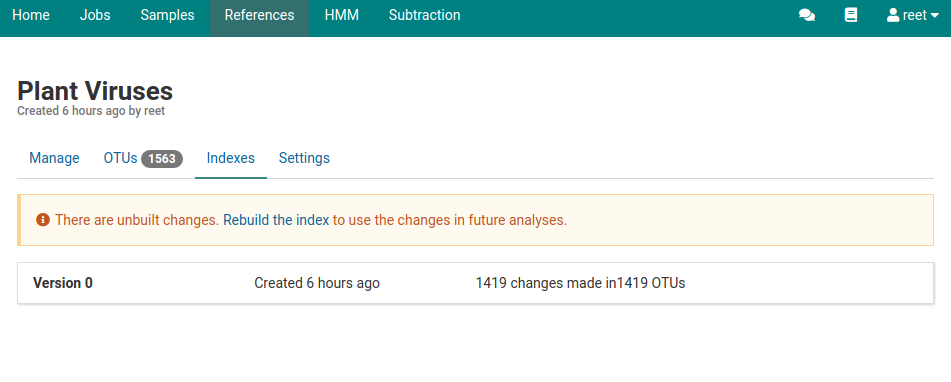
You see an alert in the OTUs and Indexes views when an index build is required
-
Click the Rebuild the index
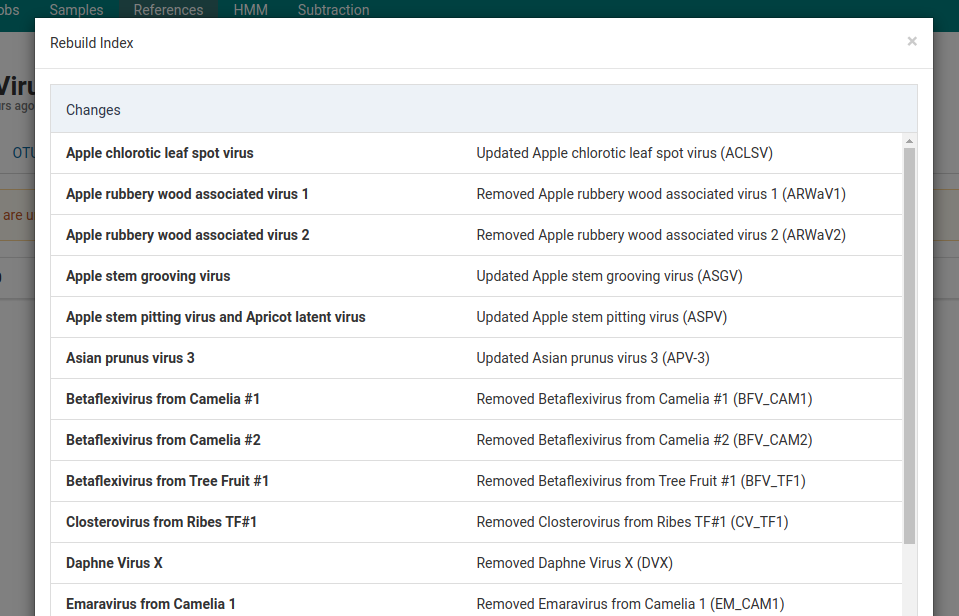
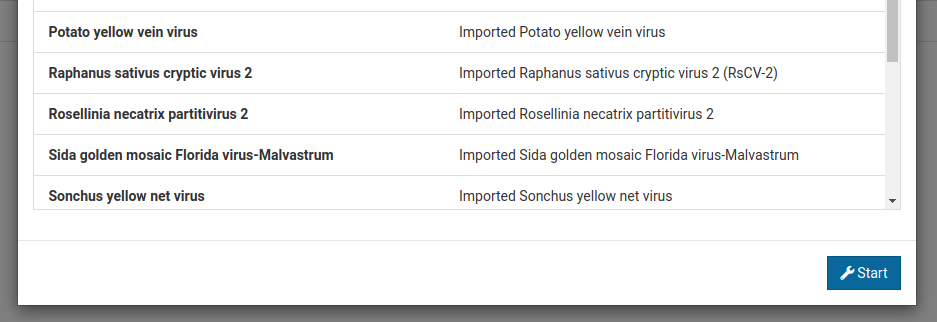
The Rebuild Index dialog appears and lists all the changes that are included in the index.
-
To start making these changes and rebuilding the index, click Start on the bottom of the dialog box
This starts an index build job.
-
Once the job is complete, there is a new index record marked Active.