Account
Overview
You can view your account details by navigating to Username | Account in the main navigation bar.

You land on this page, where you can make changes to your account. Here, you can see your username and user groups to which you belong.
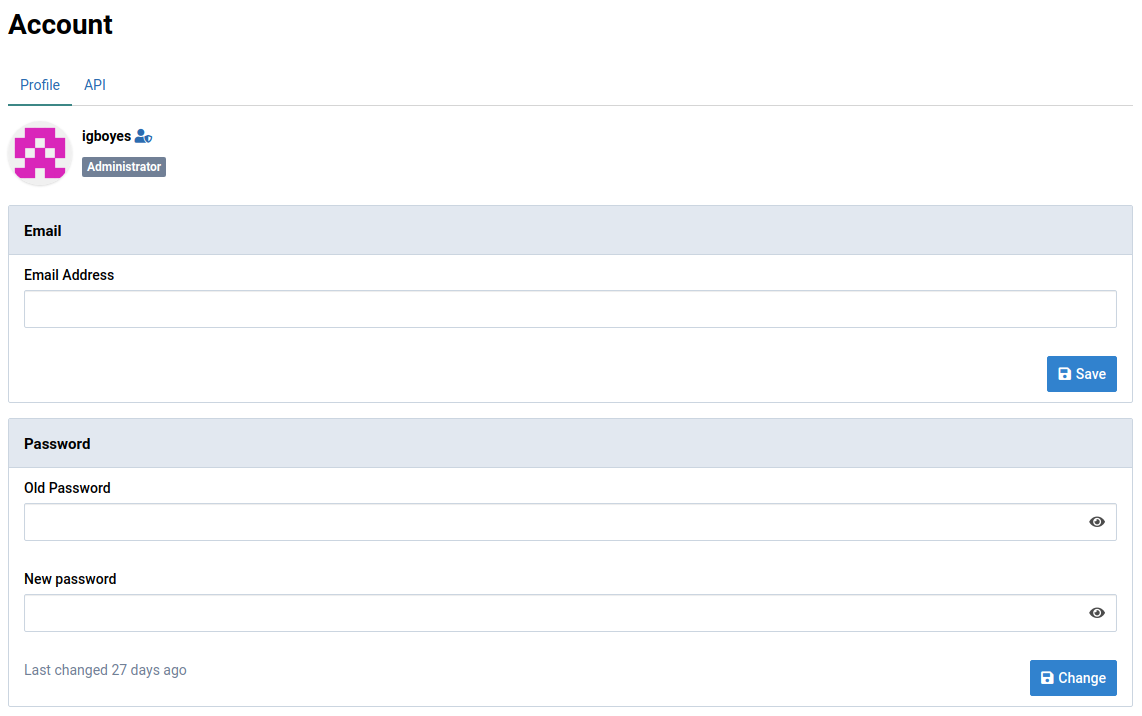
This user is an administrator and a member of the Laboratory group.
Change email
You can set or change your email address.

Change password
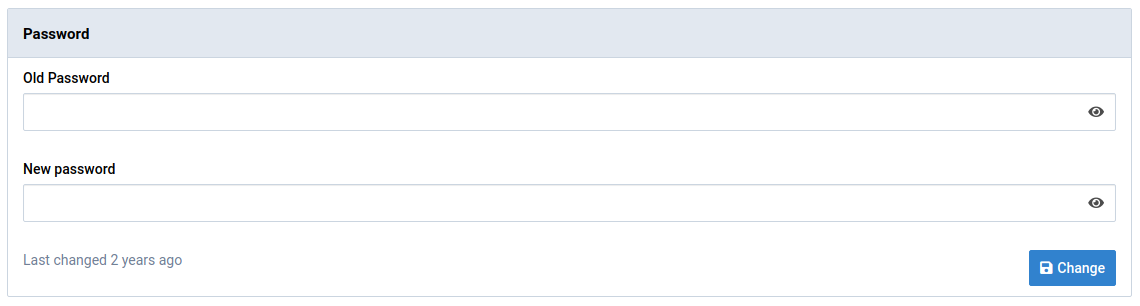
You can change your password under the General tab. By default, new passwords must contain at least 8 characters. Your administrator can change this setting.
API keys
Virtool exposes a complete JSON API. Access to the API is managed using API keys.
API keys are account-specific and are generated under the API tab in the Account view.

Create an API key
-
Click the Create button to open the creation dialog
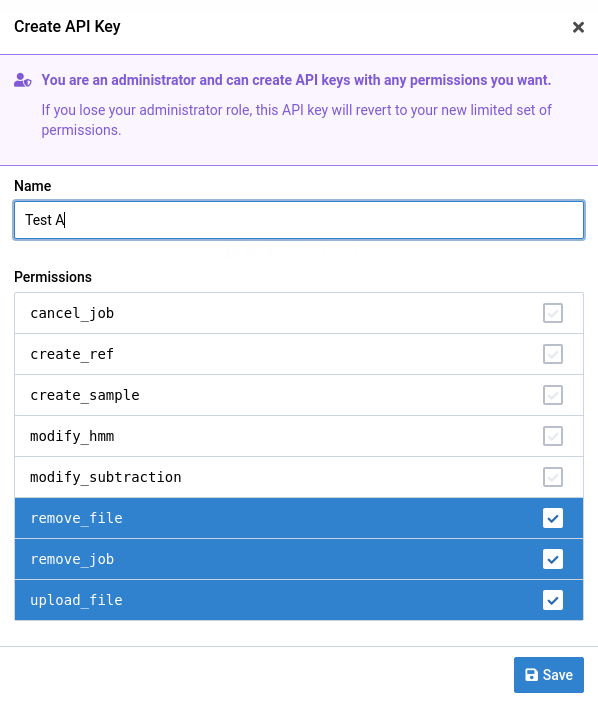
Give the API key a name and select permissions you want the key to have.
You can’t grant the key permissions that your account doesn’t have. If permissions are removed from your account after the key is created, they’re also removed from the key.
-
Click the Save button to create the key
The key is shown only once. Make sure you keep it somewhere safe.
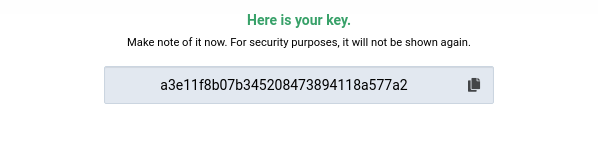
The key is added to your API key list and can be removed or edited later. You can’t view the key value after creation.

-
Use the key to access the API